
A color profile describes a relationship
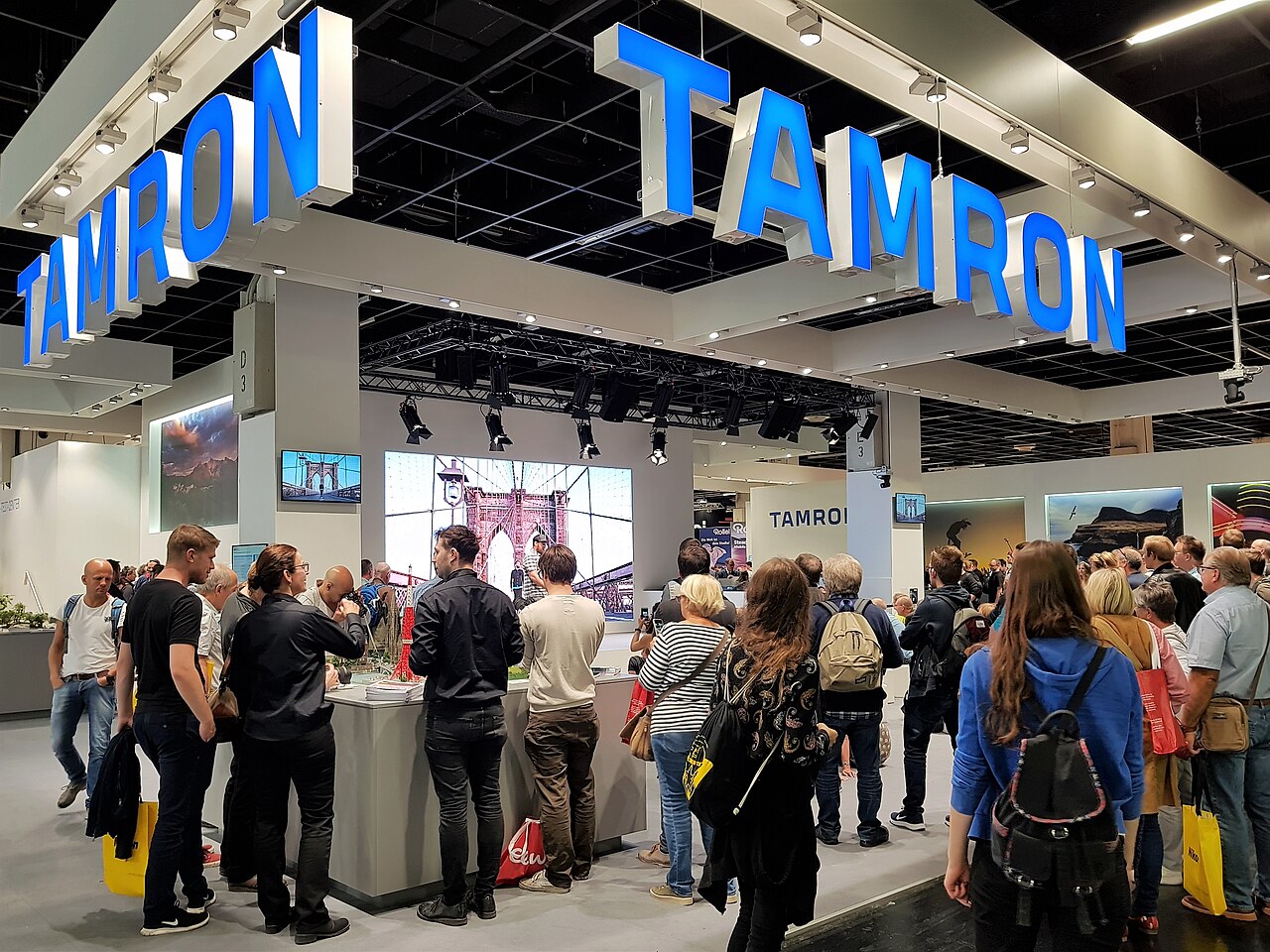
At a photography exhibition, a presenter may use the word profile while showing an image on screen or in print. In this article, profile means an ICC color-management profile, distinct from a software maker’s creative-profile preset. An ICC profile belongs to color management: it describes a color relationship used when interpreting or converting image data. The International Color Consortium's introductory material explains profiles in that context. A creative filter, by contrast, names a treatment intended to change an image's appearance. The distinction is useful because both can affect what a viewer sees, yet they serve different purposes. Begin by asking which meaning the demonstration uses before comparing the result or assuming that two controls with similar names do the same job.
Interpretation precedes comparison
Numbers in an image need a defined color context to be interpreted consistently. A profile supplies information for that interpretation within a color-management system. At an expo, the presenter may illustrate a relationship among image data, a display and a print process. Read which object each profile describes. An image's embedded profile and a printer profile do not name the same part of the chain. Treating every profile as a selectable visual style erases those roles. A clear diagram should distinguish the source description, the destination description and the conversion between them, even when the audience sees only one finished photograph.
A filter changes the creative treatment
A creative treatment can alter contrast, color relationships or another aspect of the rendered appearance as the software defines it. Its purpose differs from describing a device's color behavior. The same image might receive a creative treatment and later pass through a color-managed print workflow. Those actions are not alternatives to each other; they belong to different levels of the process. A demonstration can show a warm-toned treatment while retaining the image's color context. Naming both actions accurately helps explain what changed creatively and what information was used to interpret or reproduce that change on another medium.
Device and image descriptions differ
A monitor profile, an image profile and a print-related profile can appear in one presentation. Their labels should remain attached to their roles. A display describes one output context; a print workflow introduces another. The visual result also depends on the actual viewing conditions described in the demonstration. A profile name alone does not guarantee that a screen and paper will look identical under every light. Read the workflow as a sequence of specified relationships. This makes the explanation more useful than treating a profile as a universal promise of matching color, independent of the devices, process and viewing environment involved.
Follow a fictional photograph
Imagine a hypothetical image labeled “Photo H,” with a stated embedded color profile. A presenter applies a creative treatment, then prepares a print using a named output description. The example contains three distinct records: the image's color context, the creative edit and the print destination. If the resulting print looks different from the first screen image, the comparison should identify which stages changed. Was the creative treatment added? Was the output medium changed? Were the viewing conditions different? This sequence shows why a single before-and-after pair can contain several variables and why calling the entire difference “the profile” may be misleading.
Assignment and conversion need precise labels
Color-management software can distinguish operations that change how existing values are interpreted from operations that convert values for another color context. Read the software's own explanation of the named operation rather than assuming that every profile-related command performs the same action. At an exhibition, a presenter should identify which operation the sample illustrates. The audience can record that label without needing to reproduce the workflow. This distinction is particularly useful when a screen demonstration uses several menus in quick succession. A visible color change establishes an appearance difference; the operation label supplies the reason the presenter says that change occurred.
Printed samples need process context
Two paper samples can differ because of several variables, including the stated print process, paper and creative treatment. A useful comparison names the variables held constant and those changed. In an exhibit, two versions of Photo H use the same creative treatment but different stated output contexts. That is a different comparison from two creative treatments printed through the same context. The sample labels make the difference intelligible. Without them, the viewer has two appearances but little evidence about their cause. Good exhibition literacy means appreciating the images while retaining the process information that gives the comparison its meaning.
Read the workflow as a map
A compact note can identify source context, creative change, destination context and viewing conditions. This map preserves the purpose of each part without becoming a software tutorial. At a photography expo, it also helps translate technical terminology into a plain explanation: a profile supplies color-management information; a filter supplies a creative treatment. The two can coexist in the same image workflow. Once those roles are separated, demonstrations become easier to compare. A striking print is no longer evidence for an unspecified menu choice, but the result of a described sequence whose individual relationships the audience can understand and discuss.
Continue exploring
Explore related events
Current facts come from the directory. Follow the exact listing for admission, venue information and the official source.
STEMCON Public STEM Expo 2027 · Apr 24, 2027 · scheduled · Public visitor information — check organizer updates
Sources and further reading
Source review: 2026-10-12. Examples identified as hypothetical are original illustrations.
An independently researched feature. Worked examples are illustrative; photographs identify their archive or collection context.
Find your next event →